alexandria
-Virtual Learning Solution
Overview
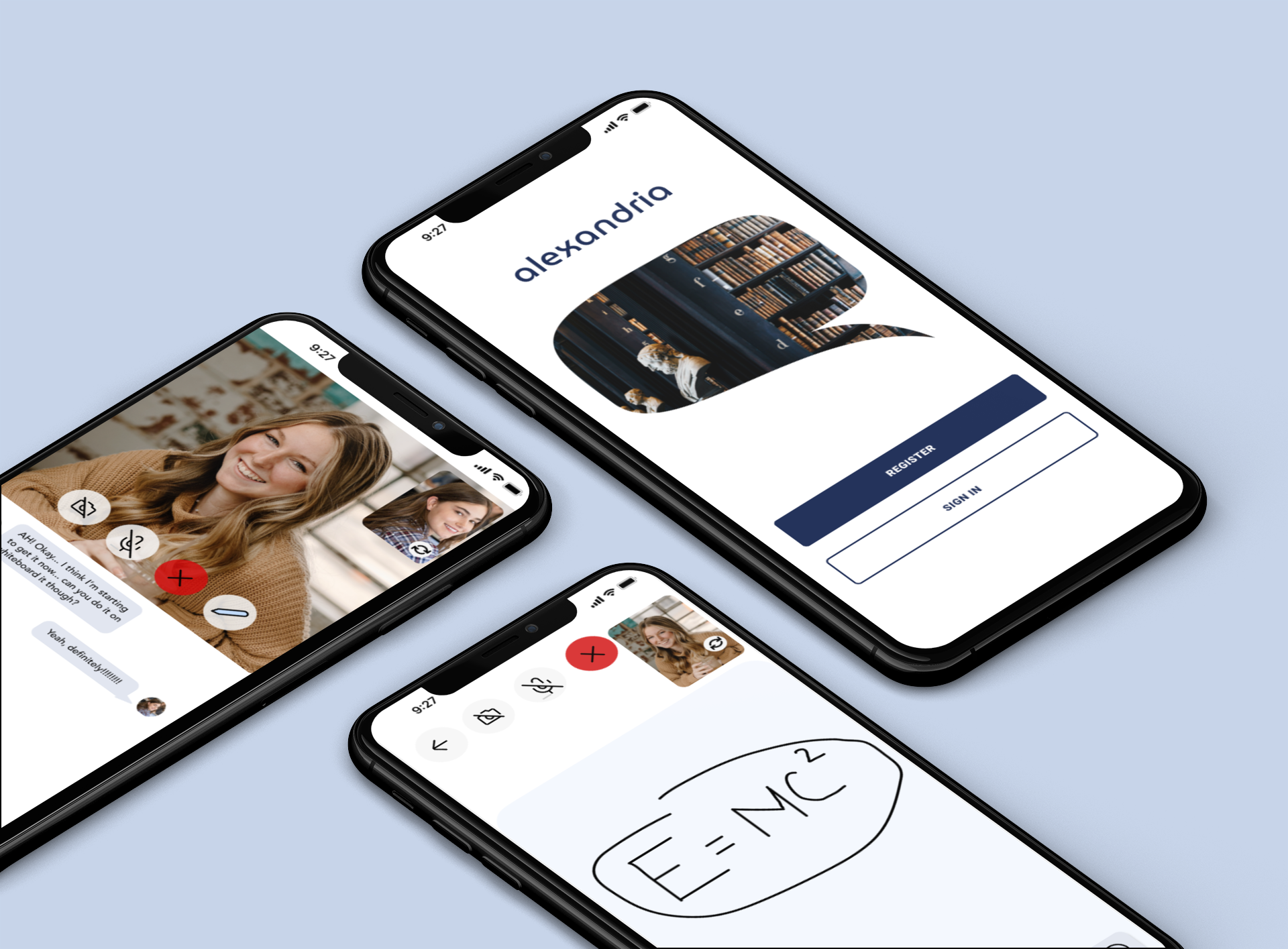
alexandria was born from interviews with students about their goals, frustrations, and pain points related to learning remotely. Through my research, it became clear that the problem was a lack of connection between peers and instructors, leading to isolation and loneliness. To solve this issue, I began sketching and creating potential solutions that would satisfy user needs while also providing users with an amazing experience.
The project name is a reference to The Great Library of Alexandria because in my mind, this project is a library of content and community.
Team
Solo Project
Target Device
Mobile App
Target User
Students
Company
General Assembly - Project 1
Duration
2 weeks
Role
UX Research + UX Design
Design Process


User problem, how might we statements, and user persona.
Research
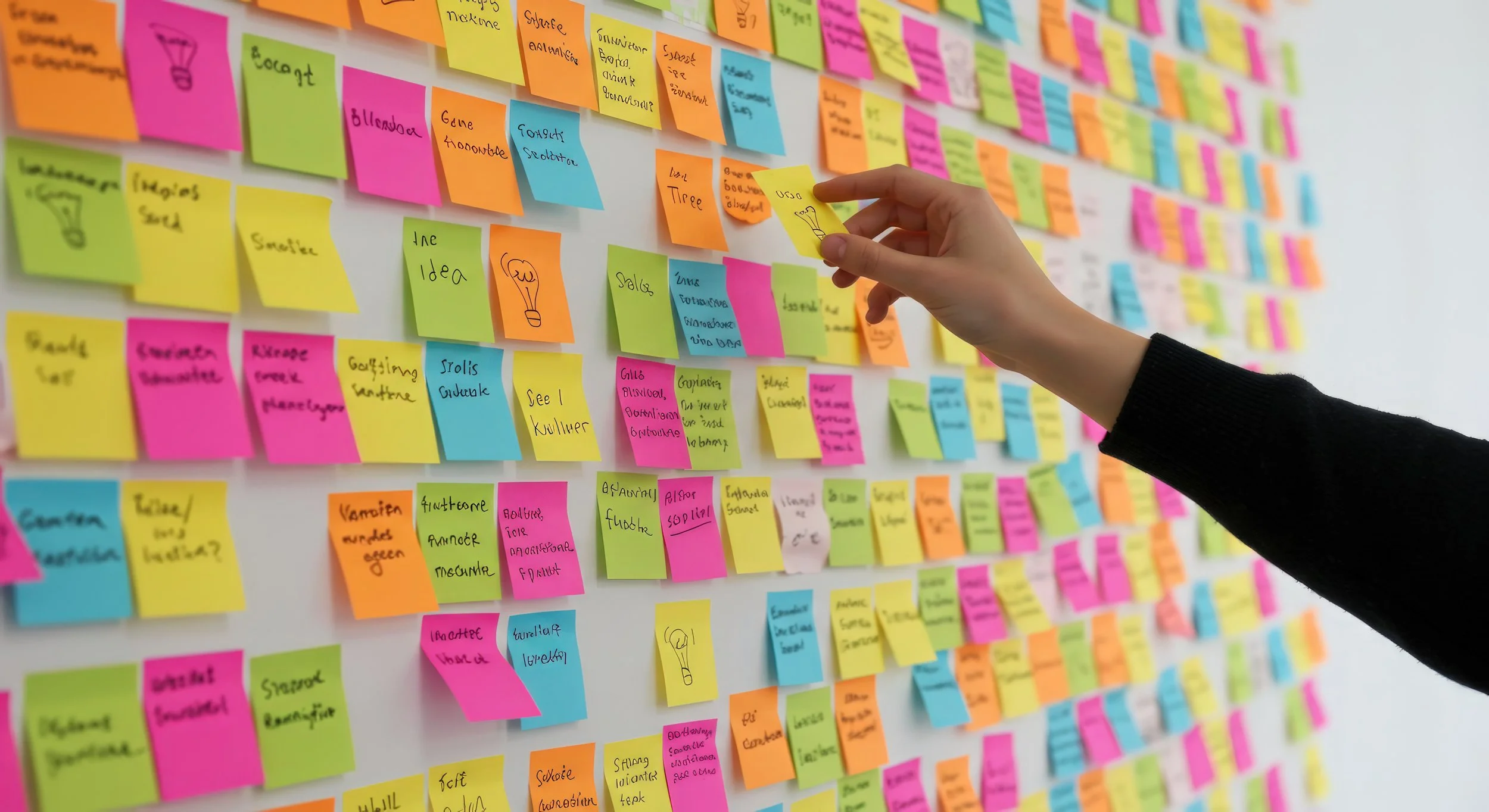
User interviews, affinity mapping, and findings and insights.
Define
User testing, user feedback, and user testing results.
Design
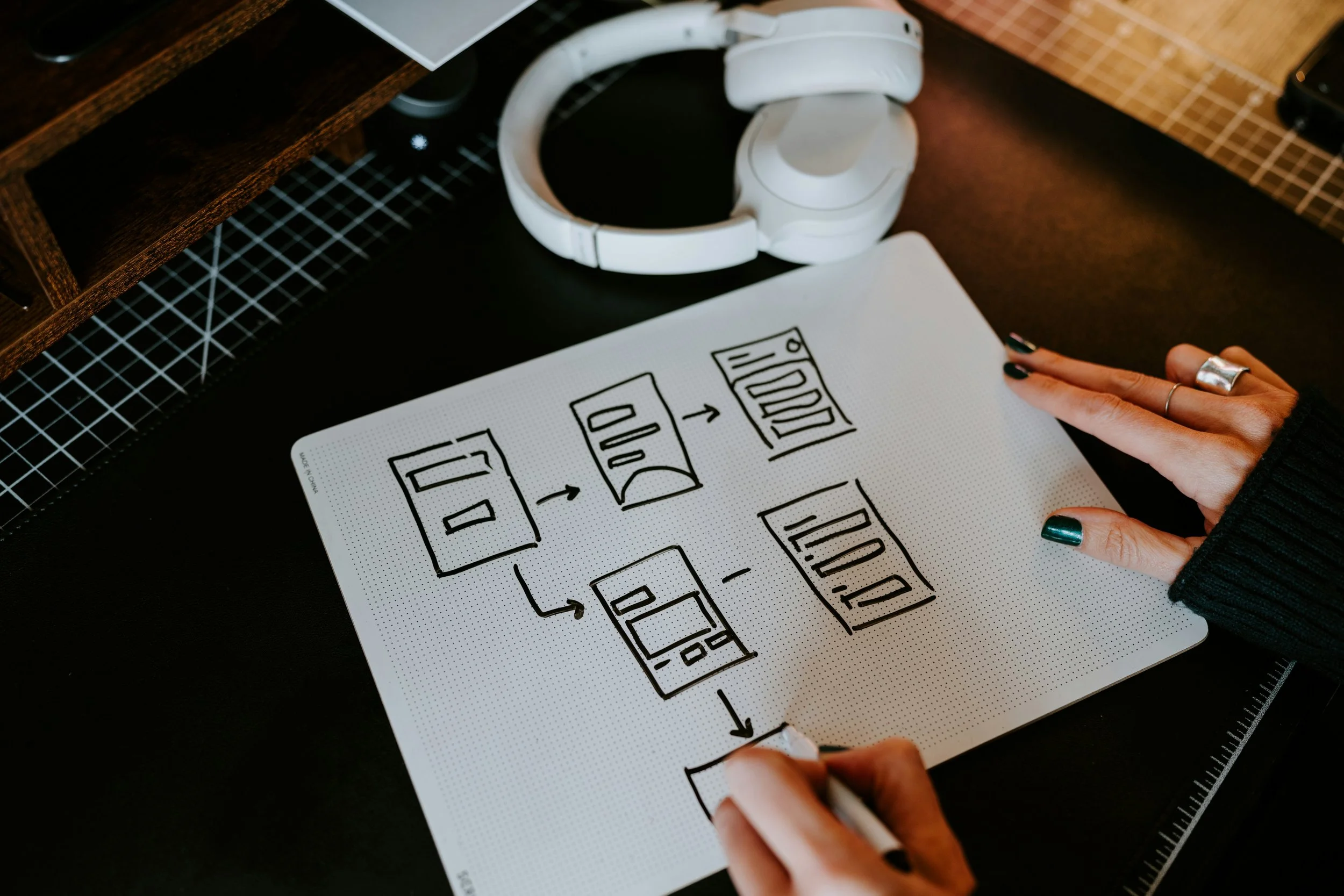
Sketches, wireframing, and prototyping.
Deliver
Gathering Insights
-
Connectivity and the ability to build relationships with peers is important to users. Students reported that online learning adds an enormous barrier to forming friendships with classmates. Most students reported wanting to be able to communicate with their peers and instructors outside of their class video calls.
-
An increased sense of independence is a plus. Most students reported enjoying the aspect of online learning that offers them an increase in independence, personal freedoms, and flexibility. Users valued things like being able to stay in the comfort of their homes or doing things on their own time.
-
Online classes are hard, and more support is needed. Most students found online learning to be more difficult, and reported needing extra support to succeed. Things like, recorded lectures, supplemental instructions, slides/outlines to go along with lectures, study groups, etc.
-
Focussing with distractions looming is a challenge. Students found online learning more challenging to stay focused due to not being physically present in a learning environment. Students reported that they are more easily distracted by their phones and surroundings- causing them to miss key points in their classes.
Understanding the problem
Students need an improved solution to facilitate socializing and collaborating with their peers while taking online classes, as they are currently having difficulty staying connected.
Students are having a hard time making friends and building relationships, and it’s starting to affect their performance in their classes.
After identifying the key problem, I started brainstorming possible solutions and designs that could ameliorate their pain points. I was trying to think about how might we's for keeping students connected, but as i kept going a new idea kind of formed. What if I used the students not only as a way to be interconnected, but also for that extra support that so many students need?
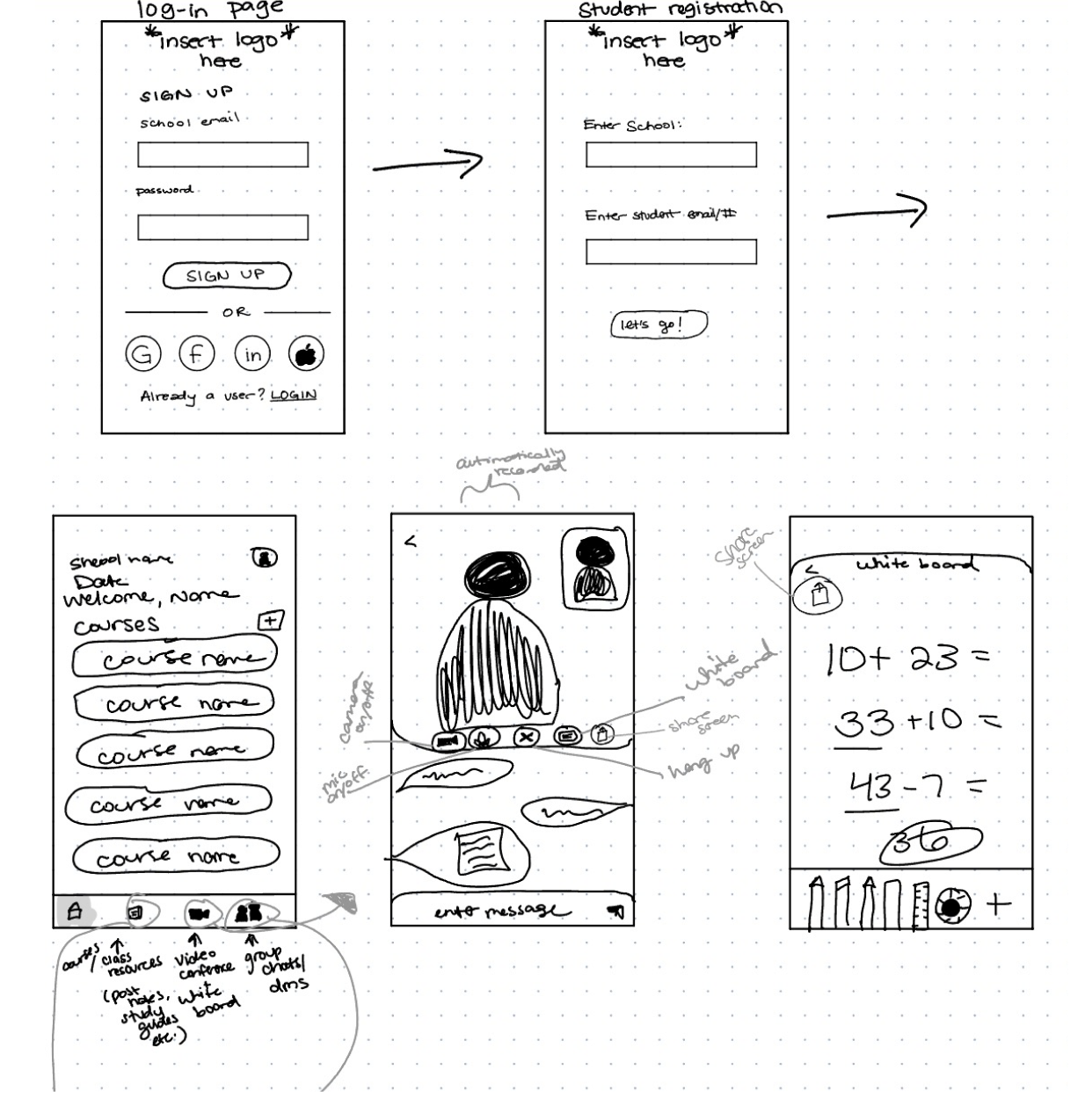
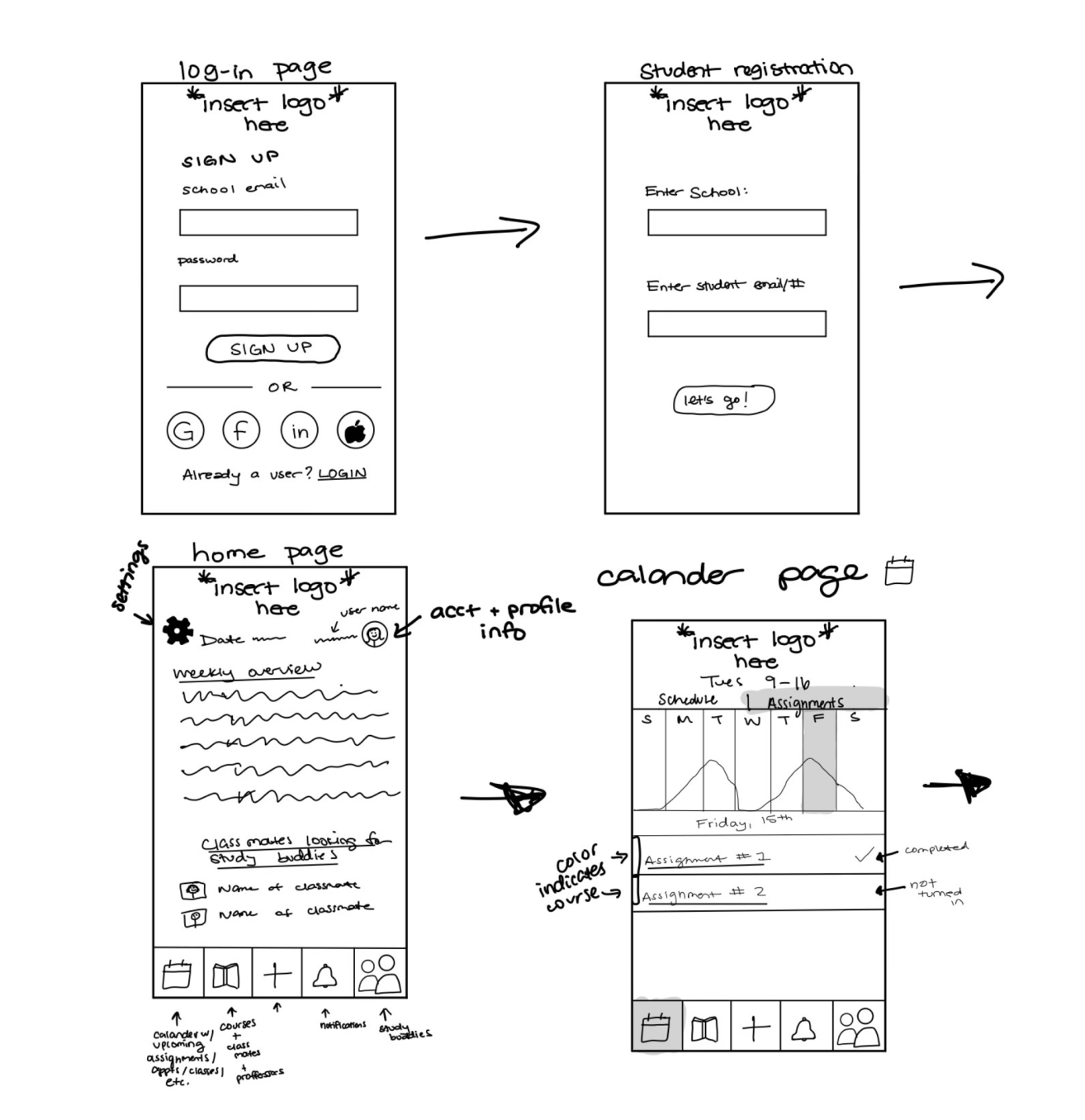
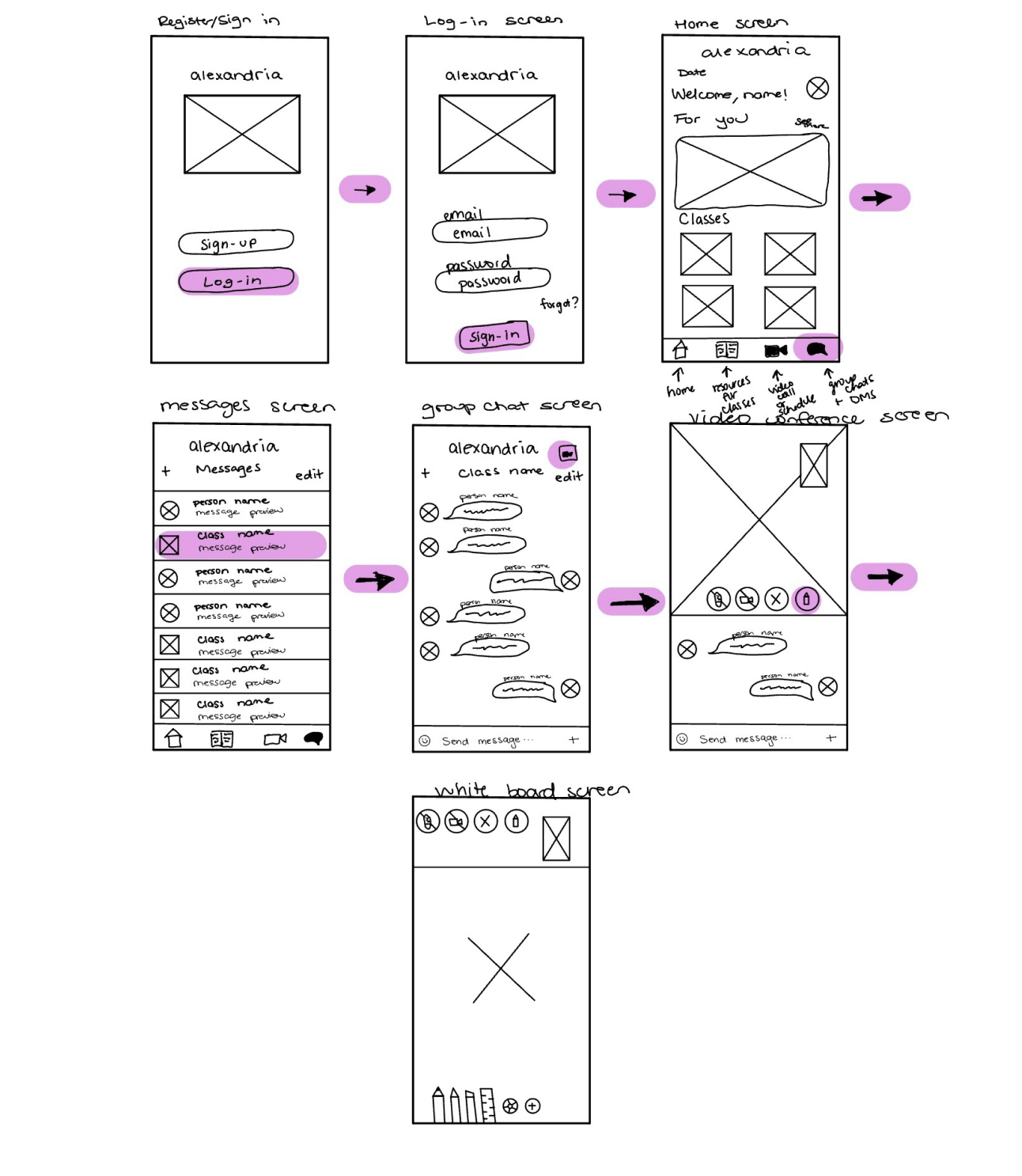
Wireframing the solution
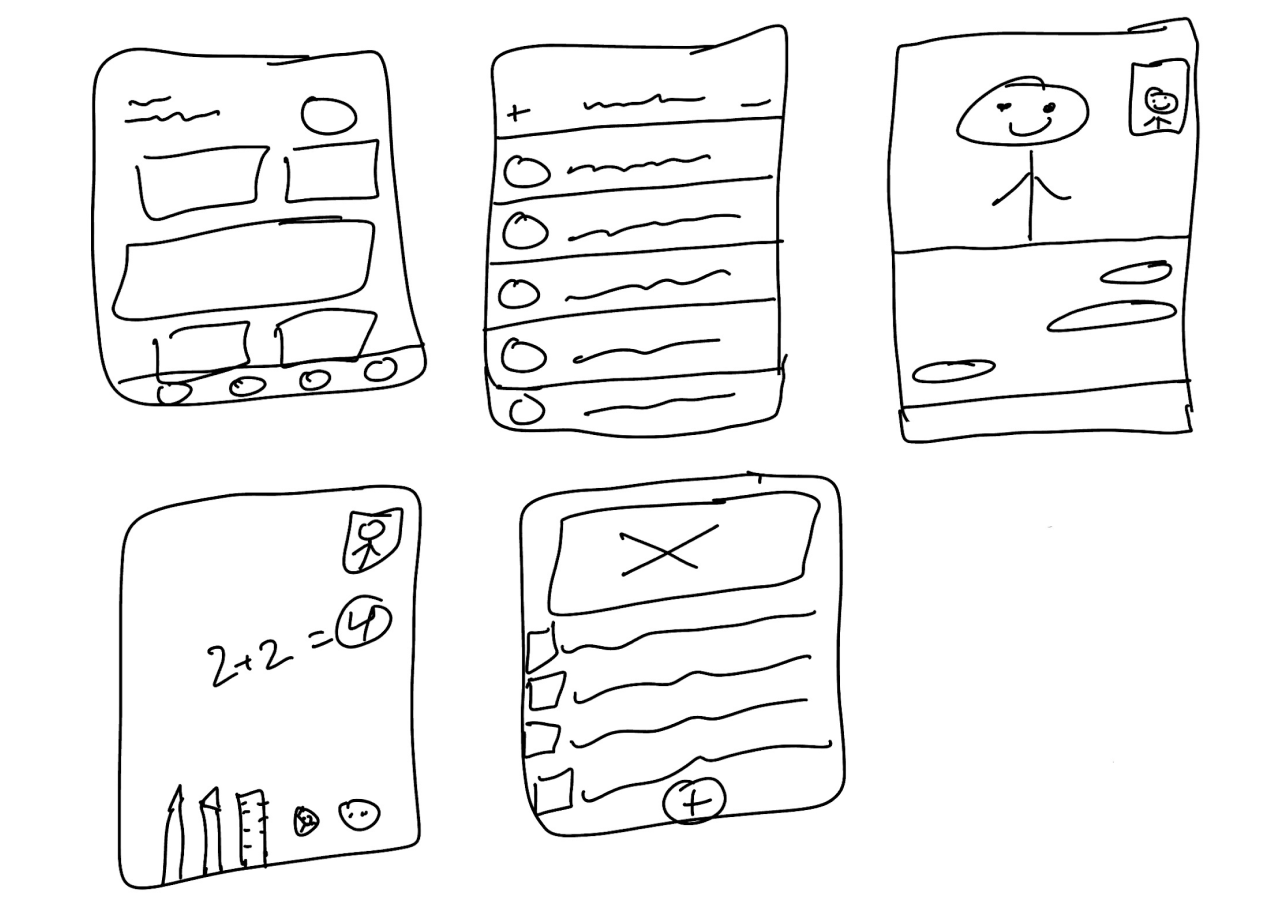
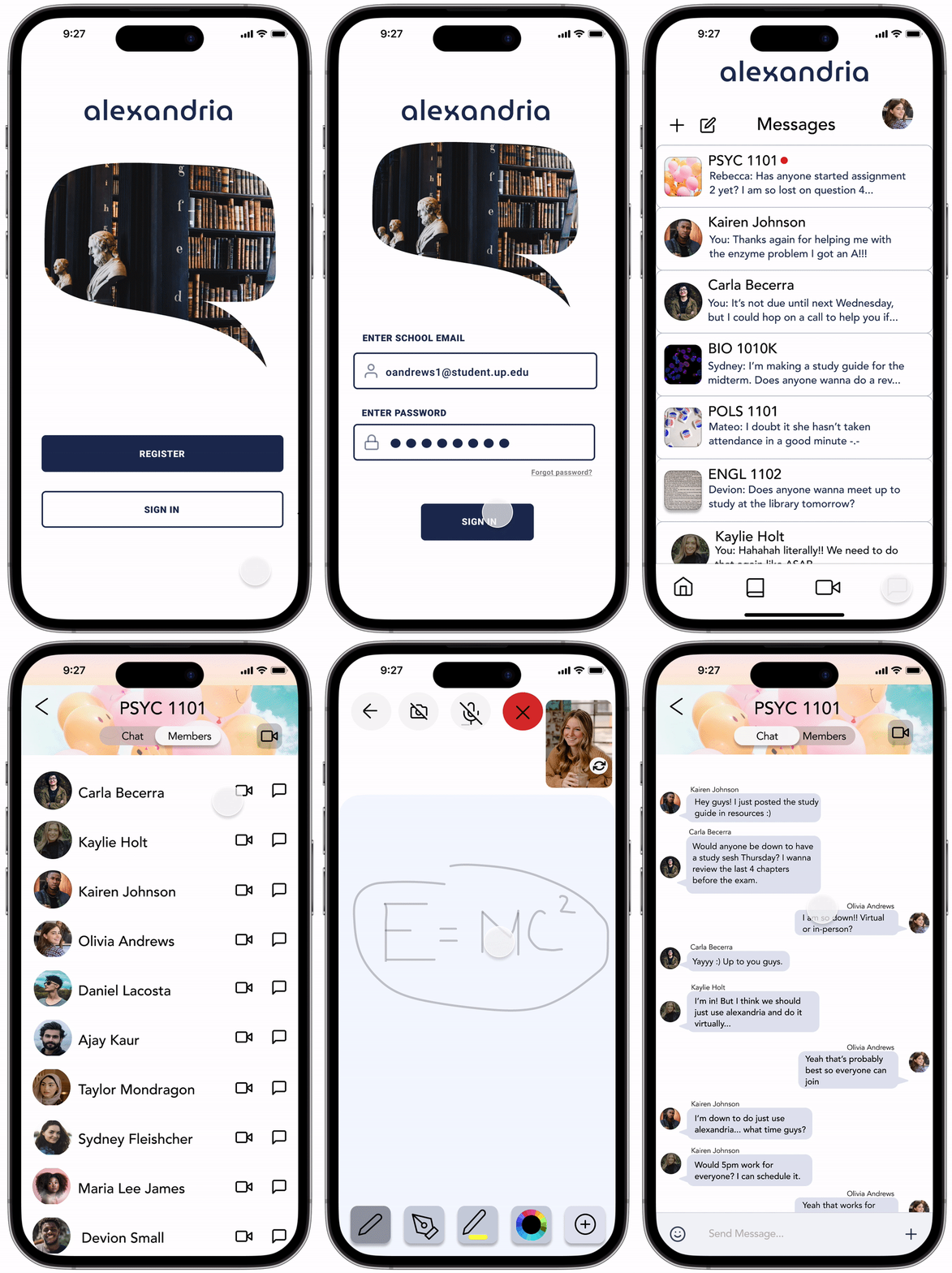
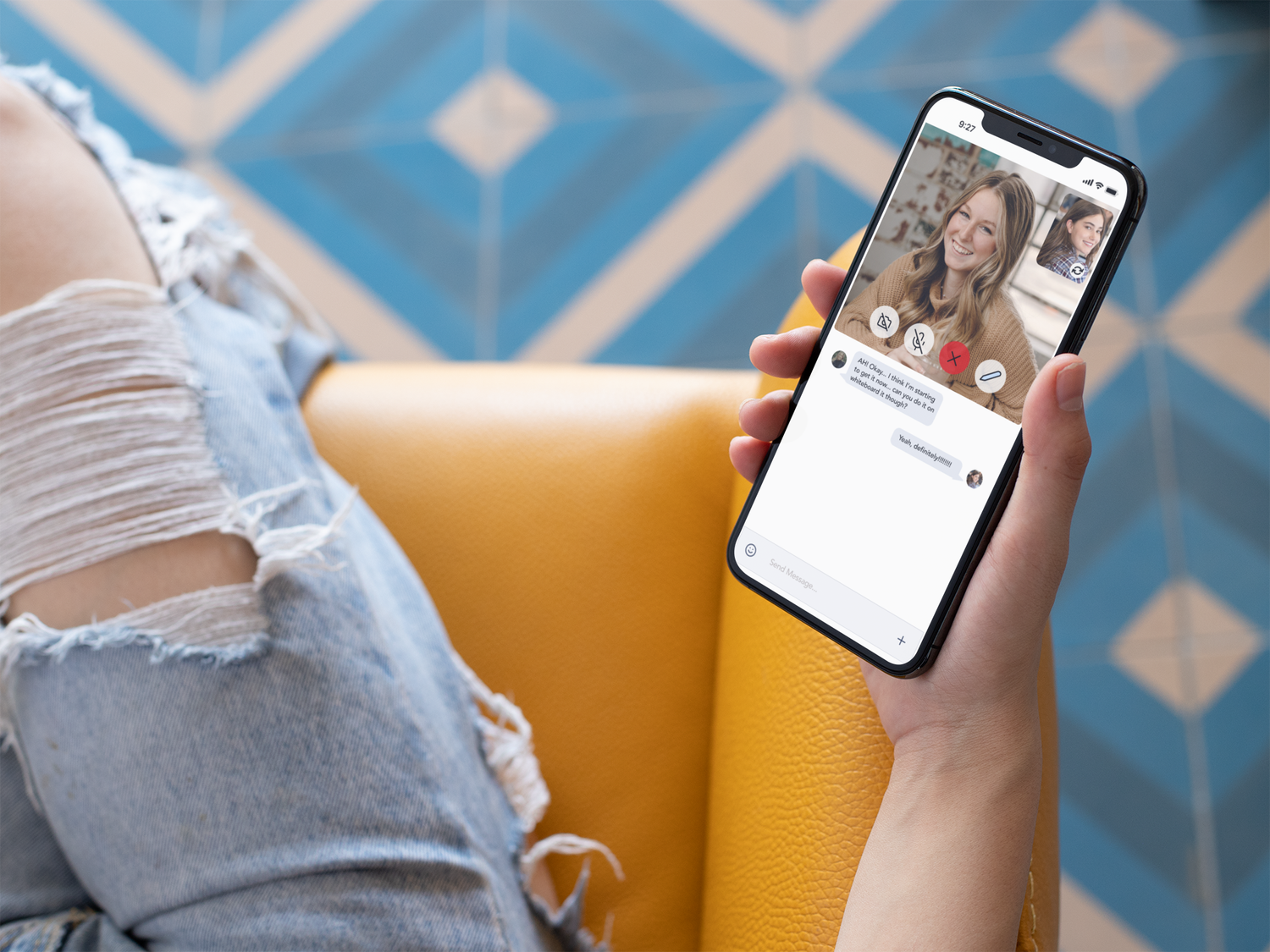
I started designing a mobile app where students could chat with their classmates, post their notes and resources, video call, and most importantly- the whiteboard. I added a whiteboard feature where students could illustrate solutions to shared problems that they might have.
It goes beyond just chatting and calling, and offers students a way to help their classmates better understand the material by drawing it out.
Prototype
Here is my latest starting point... because always more to be done!
User testing and results
I had 7 users test my prototype, and while there was a 100% success rate, there is still much to be done.
1) The homepage/landing page needs a makeover. Users felt that the presentation of the notifications, classes, and messages felt unpolished.
2) The whiteboard needs to be refined. Users felt that the tool icons looked unpleasing
7/7 users loved the flow.
7/7 users felt the flow was easy.
User Quotes



User Tester #4
"The UI was simple and straight forward, and the icons represented the actions well.”
User Tester #5
"Seems very direct—it's not complicated and it’s easy to use.”
User Tester #1
"I like the idea of the app and how it could be so much more than just messaging.”
Takeaways
User testing should never be considered a one-time event at the end of development; design is an ongoing process of refining and improving the user experience. I plan to continuously seek out opportunities to gather and respond to feedback from my users.